When you're pulling into your driveway in Spring, the last thing you want to do is fumble for a remote or get out of your car to open the garage door. If your vehicle has HomeLink, that built-in wireless system can sync directly with your garage door opener. It takes about ten minutes and saves you a real headache every time you come home. We work with customers here in Spring who never knew this feature existed, and once they set it up, they wonder how they lived without it.
What HomeLink Actually Is
HomeLink is a universal transceiver installed in your vehicle's visor, dashboard, or steering wheel stalk. Most cars made after 2000 have it, though some are labeled differently. Ford calls theirs Sync, some GM vehicles use OnStar, and Chrysler has Uconnect. The basic idea is the same across all of them. The system learns the frequency of your garage door opener's remote control and stores it in your car's memory. Once programmed, you press a button while driving and your door opens or closes.
The beauty of HomeLink is that it works with almost any garage door opener made in the last twenty years. Whether you have a Chamberlain, Genie, LiftMaster, or another brand, the programming process is nearly identical. You don't need any special equipment or a technician. This is a DIY job that works the first time if you follow the steps carefully.
Finding Your Garage Door Opener's Learn Button
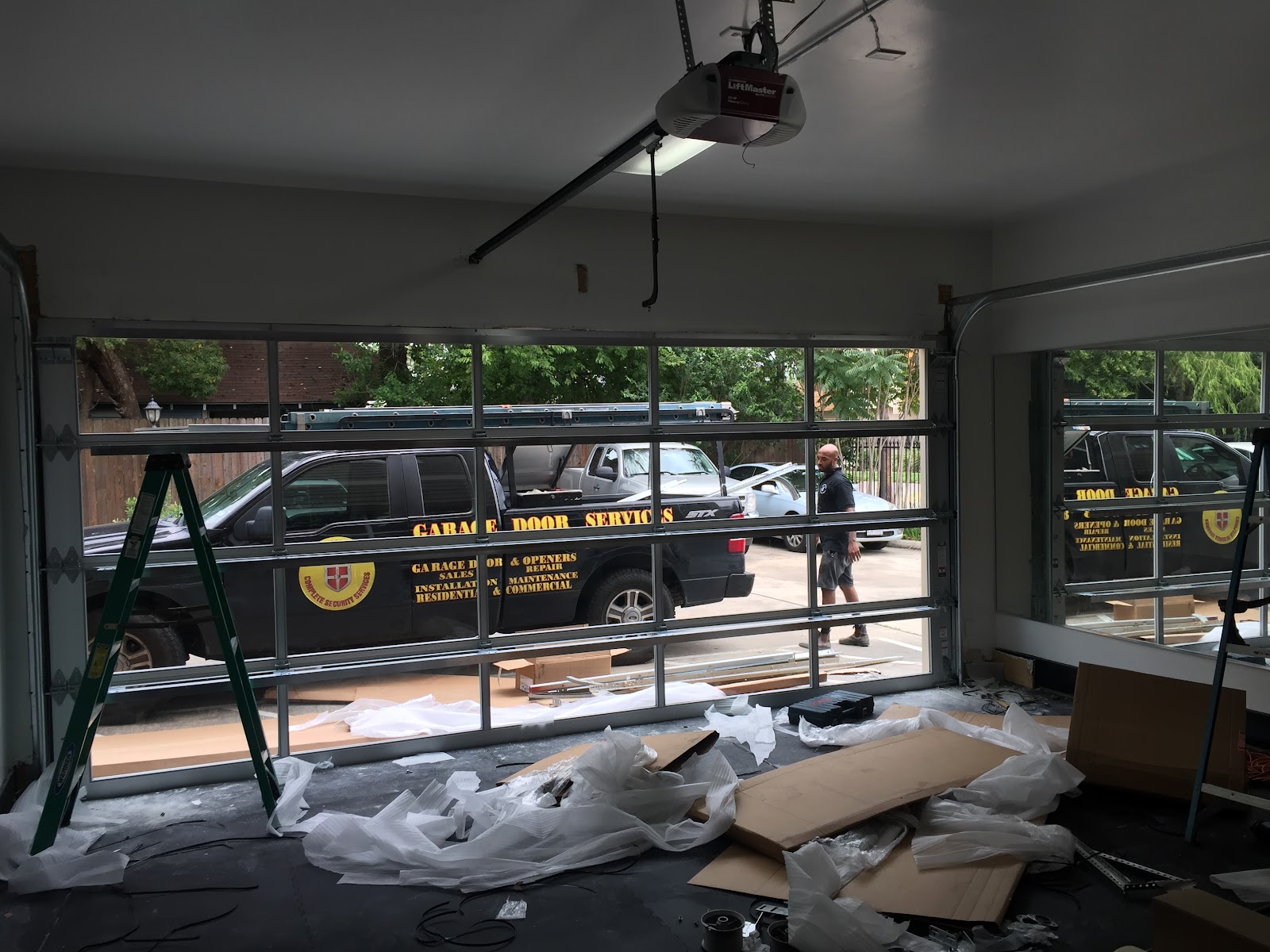
Before you sit in your car, you need to locate the learn button on your garage door opener motor unit. This is usually mounted on the ceiling of your garage. Look for a small button, often colored red, green, or yellow, somewhere on the motor housing. Consult your opener's manual if you're unsure. The learn button is how you tell the opener to accept a new remote signal.
If you can't find the manual, the model number is stamped on the motor unit itself. You can search that number online and pull up a PDF in minutes. Knowing exactly where that button is before you start saves frustration. Some openers hide it inside a cover, so don't be surprised if you need to remove a panel or flip open a compartment.
The Programming Steps
Sit in your car with the engine off. Locate the HomeLink buttons on your vehicle. Usually there are three programmable buttons. Decide which one you want to use for the garage door. Hold that button down. The indicator light on the HomeLink panel will start flashing slowly. Keep holding it.
While you're holding the HomeLink button, go to your garage and press the learn button on the opener motor. Hold both buttons down simultaneously for several seconds. You'll see the light on the HomeLink unit change from slow flashing to rapid flashing. That's your signal that the programming worked. Release both buttons.
Test it immediately. Sit back in your car and press the HomeLink button you just programmed. Your door should open or close. If nothing happens, repeat the process. Sometimes it takes two attempts if the timing was slightly off. The whole procedure, from start to finish, takes less than fifteen minutes.
Troubleshooting Common Issues
If your door doesn't respond, first make sure your garage door opener is plugged in and functioning normally. Test it with a handheld remote to confirm. If the remote works but HomeLink doesn't, try the programming sequence again, but this time stand closer to the motor unit when you press the learn button.
Some older openers require you to press the learn button more than once during programming. Check your opener's manual for any special instructions. If you have a rolling code opener, which most modern ones are, the first programming attempt sometimes fails. Simply repeat the process and it will usually work the second time.
If you've tried multiple times and HomeLink still won't sync, your vehicle's system or your opener might be incompatible. This is rare, but it happens. A garage door technician can confirm whether your specific equipment is compatible and sometimes reprogram your opener to work with HomeLink if needed.
When to Call a Professional
HomeLink programming is straightforward for most people, but if you're uncomfortable climbing a ladder to reach the motor unit or if you can't locate the learn button, there's no shame in calling. Here in Spring, we handle plenty of garage door issues beyond just programming. If your opener is old, malfunctioning, or if you want to upgrade to a newer model with better HomeLink compatibility, that's something we can discuss.
We also service openers that won't hold the programming or that have damaged learn buttons. Sometimes the button itself fails, and we can replace it or reprogram your opener to work without one.
Reach out to LGA Garage Door Service if you run into any snags or if you'd like professional help getting HomeLink set up. We're here to make sure your garage door works reliably every single time you need it.